
AppLock
Tools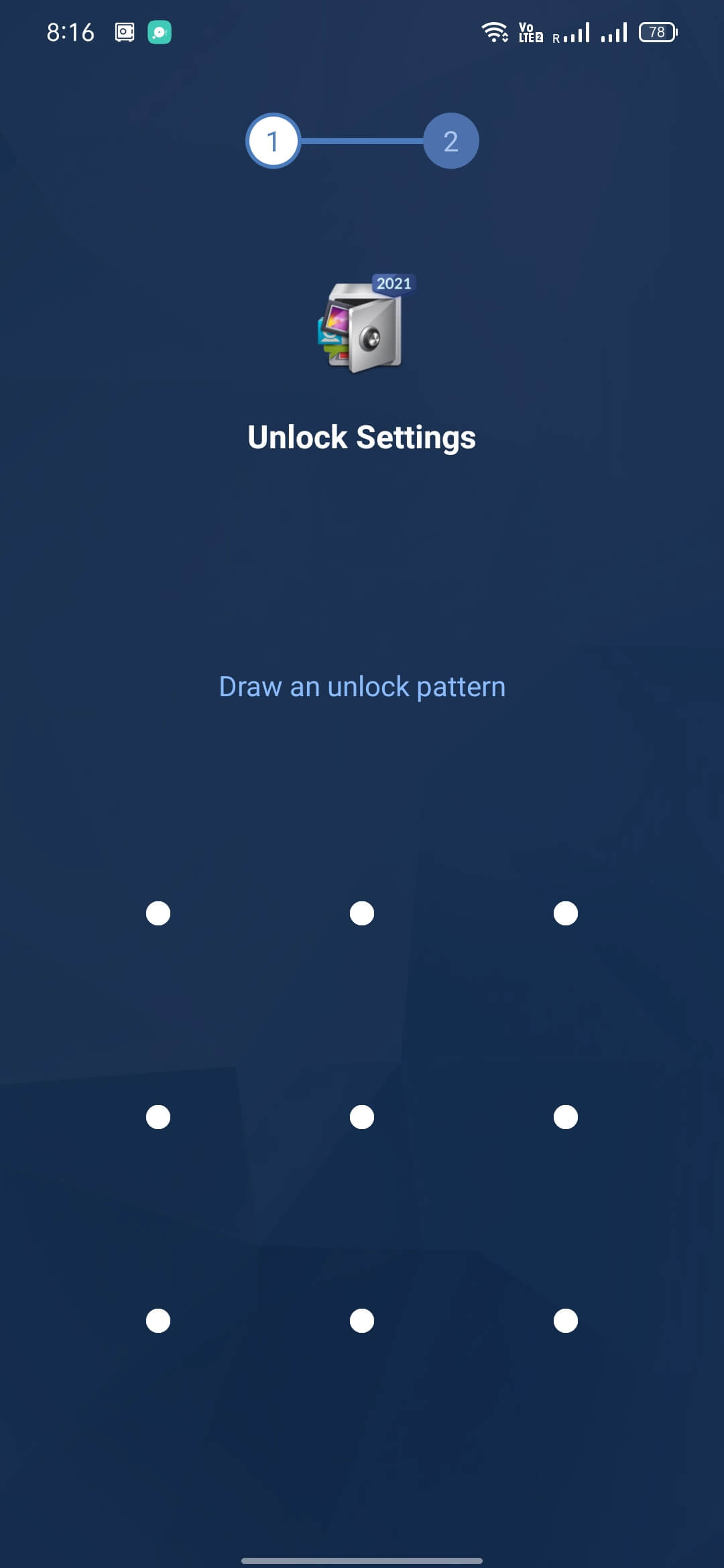
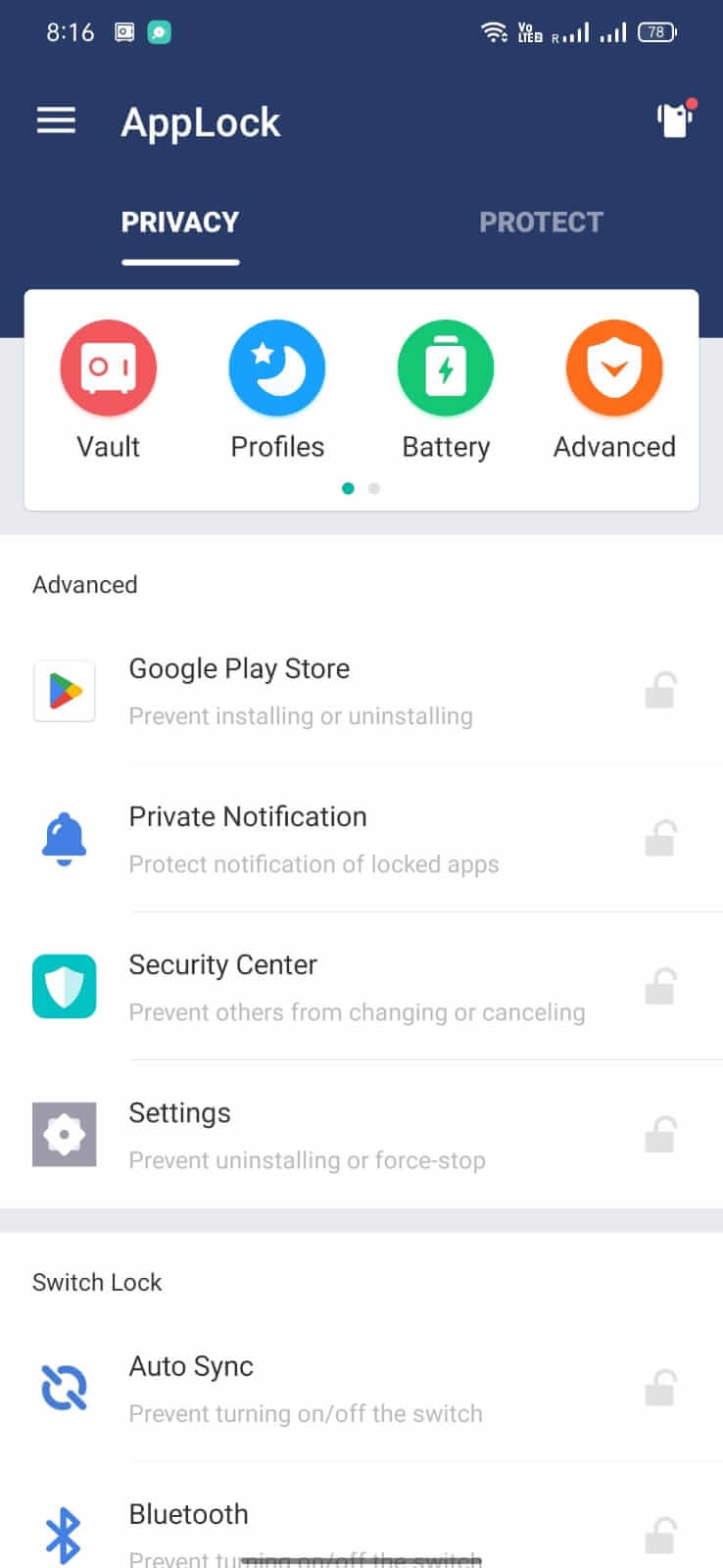
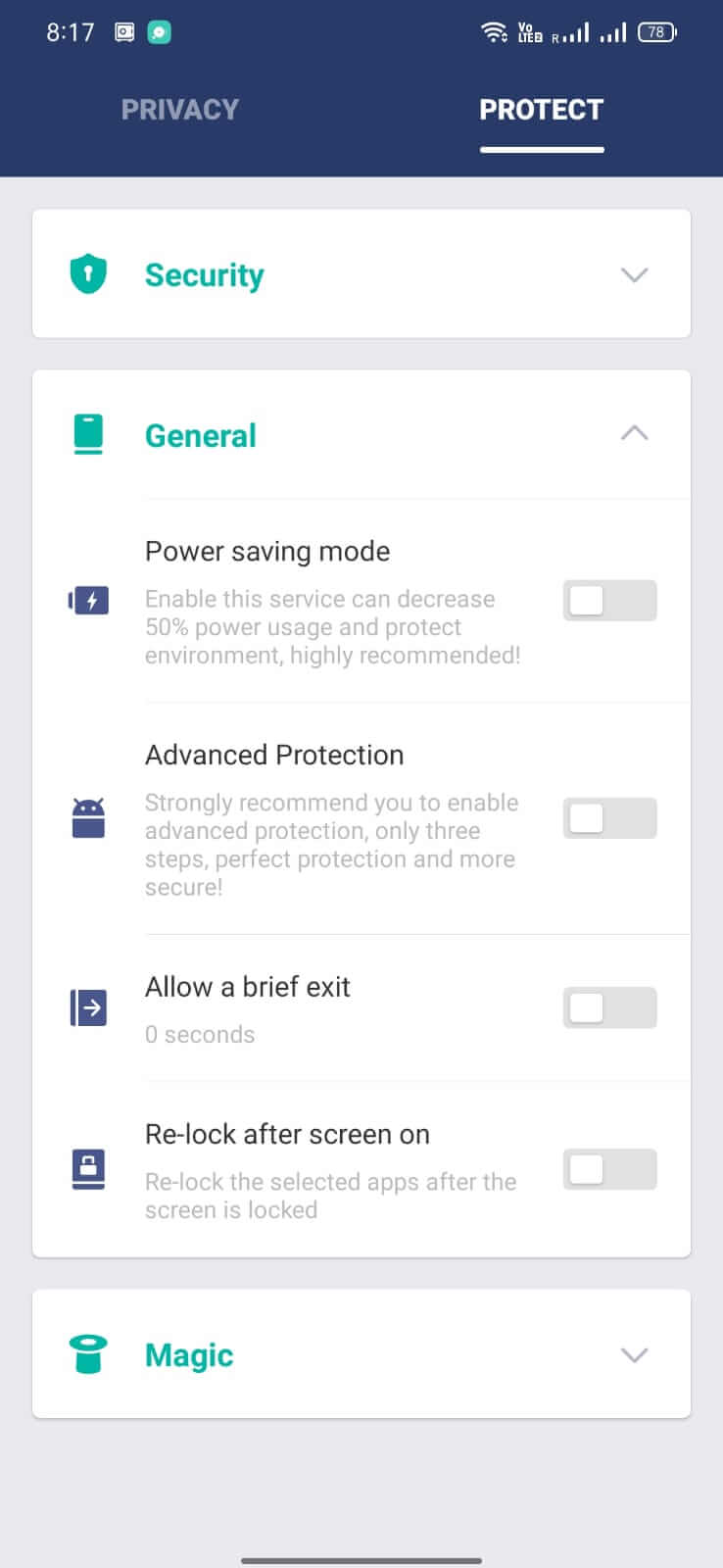
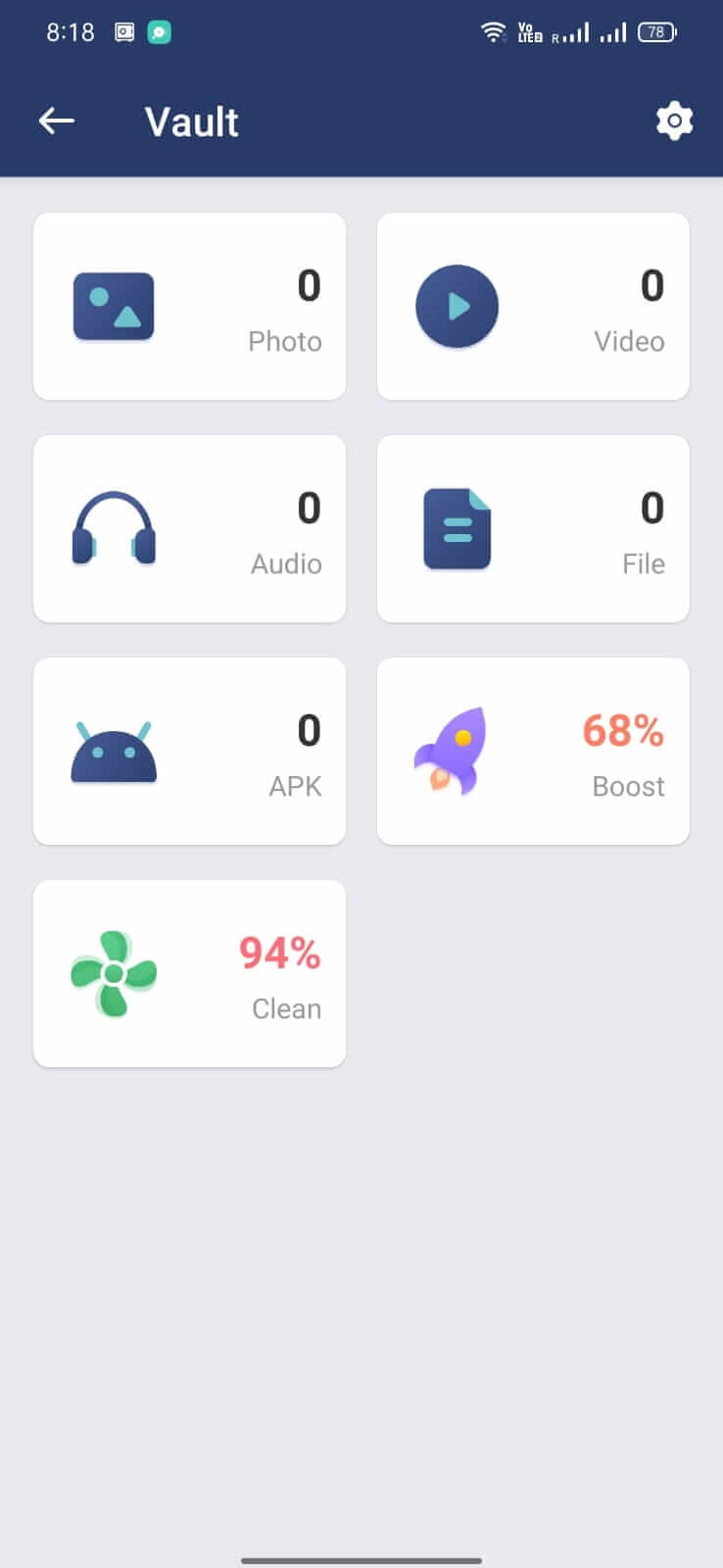

AppLock is a lightweight Android utility that lets you lock individual apps, folders, and system settings behind a PIN, pattern, or fingerprint. It helps keep personal information safe from prying eyes when you hand your device to someone else.
This page provides the latest version details, a quick guide to installing the APK, and practical tips for troubleshooting common issues.
Quick Information
| App/Game Name | AppLock |
| Latest Version | 3.5.3cn |
| Developer | Not listed |
| Category | Apps / Tools |
| App Size | 13.73 MB |
| Package Name | com.domobile.applock |
| Last Updated | 1 October 2026 |
What Is AppLock?
AppLock works by creating a protective overlay that requires authentication before the selected app can be opened. Core features include:
- Lock any installed app, including messaging, social, and finance apps.
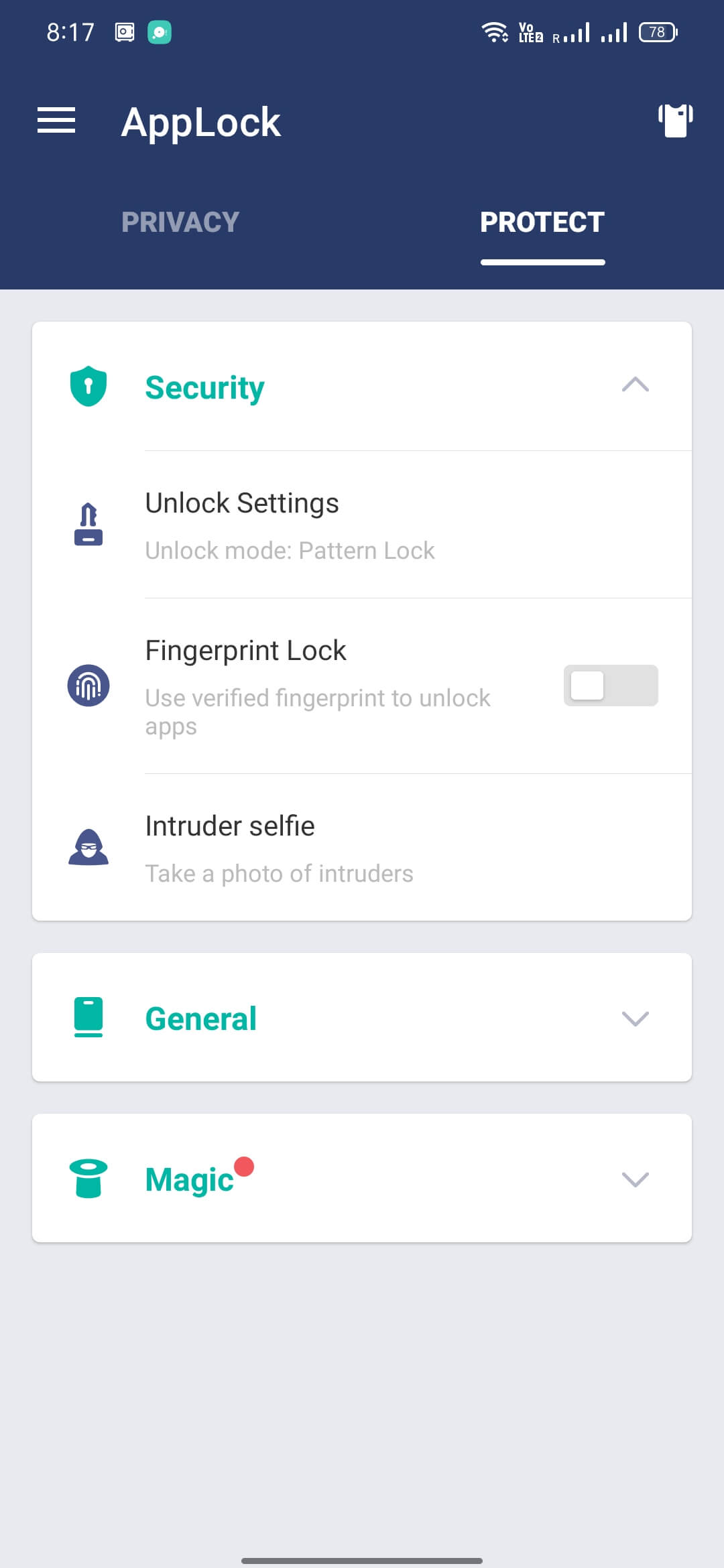
- Support for PIN, pattern, and fingerprint authentication methods.
- Option to hide the lock screen for added discretion.
- Simple toggle to enable or disable protection for each app.
The app is aimed at users who want an extra layer of privacy without installing a full‑device lock screen. It does not replace the system lock; it only secures the apps you choose.
Compatibility
Compatibility
| Android Version | ✓ Verified — Android 4.1 and later |
| Architecture (ARM64 / 32-bit) | Not Verified |
| Internet Connection | ✓ Verified — May be required for ads, updates, or login |
| Storage Needed | Not Verified |
| OBB/Data Files | Not Verified |
| Root Required | Not Verified |
How to Install
- Download the AppLock APK file to your device.
- Open Settings → Security → Install unknown apps and grant permission to the browser or file manager you used.
- Locate the downloaded APK (usually in the Downloads folder) and tap it.
- Follow the on‑screen prompts to complete the installation.
- After installation, open AppLock and set up your preferred lock method.
Troubleshooting
- App not installed: Ensure you have enabled installation from unknown sources and that the APK is not corrupted.
- Crashes on startup: Verify that your device runs Android 5.0 (Lollipop) or newer; older versions may lack required APIs.
- Lock not triggering: Check the app list inside AppLock to confirm the target app is selected and the lock method is active.
- Fingerprint not recognized: Make sure your device’s fingerprint sensor is set up in the system settings before configuring it in AppLock.
Safety & Security
AppLock is a standard APK that does not contain any known malicious code, but as with any third‑party download you should obtain it from a reputable source. Review the permissions requested during installation; the app typically asks for access to usage data and device admin rights to enforce locks. Avoid entering sensitive credentials (e.g., banking passwords) directly into the lock screen, and keep the app updated to benefit from security patches.
How AppLock Compares
| Feature | AppLock | Norton App Lock | Smart AppLock (SpSoft) |
|---|---|---|---|
| Price / Model | Free with optional ads | Free with in‑app purchases | Free with ads, premium upgrade available |
| Platform Availability | Android only | Android only | Android only |
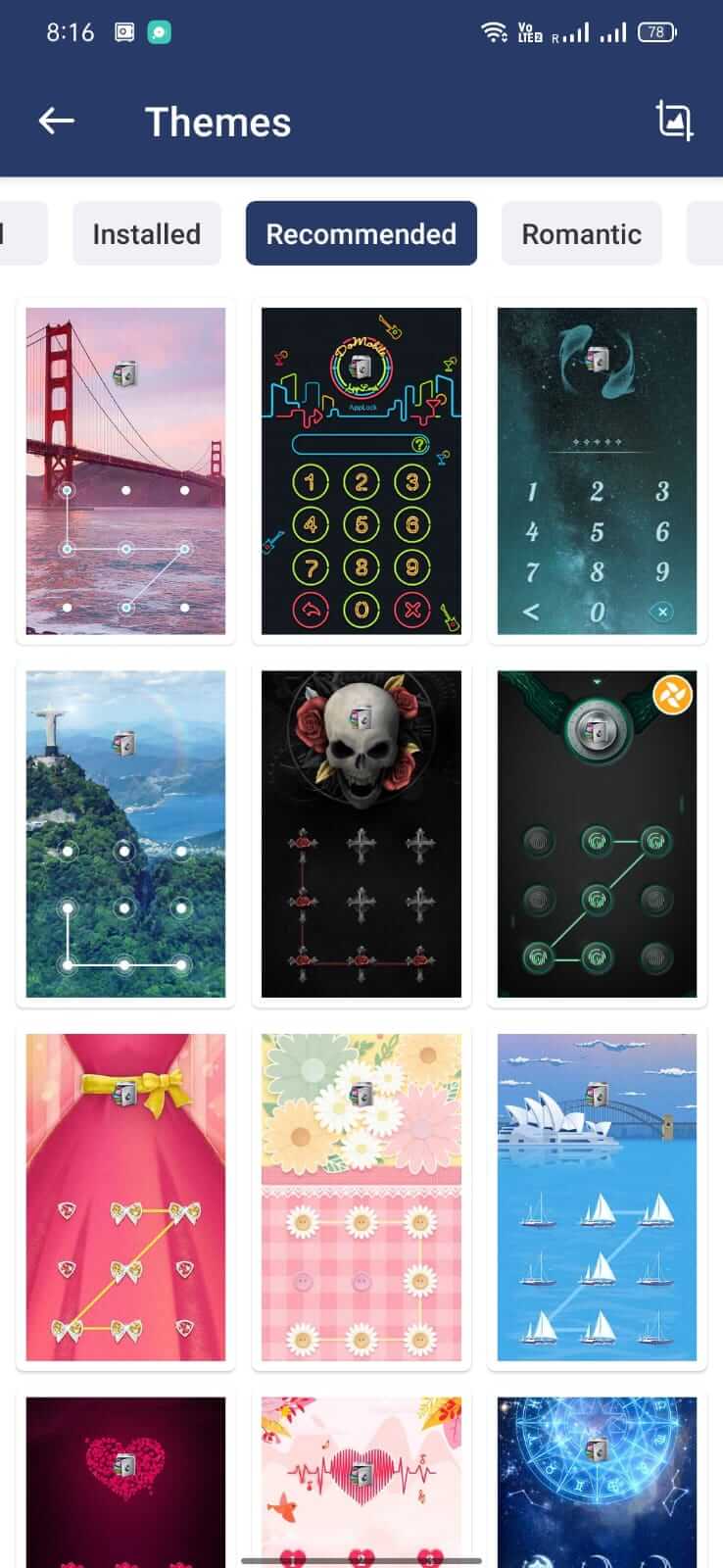
| Standout Feature | Simple UI, fingerprint support | Integration with Norton security suite | Customizable lock themes and auto‑lock schedules |
| Best For | Users who want a lightweight, no‑frills app locker | Those already using Norton security products | People who like visual customization |
Alternatives
If AppLock doesn’t meet your needs, consider these well‑known options:
- Norton App Lock – Offers lock functionality bundled with Norton’s broader security ecosystem.
- Smart AppLock (by SpSoft) – Provides themed lock screens and automatic lock timing.
- CM Security – A full security suite that includes app‑locking among antivirus features.
- Lockdown Pro – Focuses on privacy with a strong emphasis on hidden app protection.
- App Hider – Combines app locking with the ability to hide apps from the launcher.
Final Verdict
AppLock is a straightforward tool for adding a PIN, pattern, or fingerprint barrier to individual apps. It’s best suited for users who need basic privacy protection without extra bloat. Ensure your device runs Android 5.0 or newer, verify the APK source, and review permissions before installing. If you require deeper integration with security suites or more visual customization, the alternatives listed above may be a better fit.
Frequently Asked Questions
The APK is safe when obtained from a trusted source; always check the permissions it requests before installing.
AppLock works on Android 5.0 (Lollipop) and newer.
Yes, if your device has a fingerprint sensor and it is set up in the system settings.
Make sure you have enabled installation from unknown sources and that the APK file is not corrupted.
No, AppLock does not require root; it uses standard Android permissions to enforce locks.
AppLock can protect many system settings, but some core functions may require device admin permission to work correctly.
Updates generally preserve your existing lock configurations, but it’s a good idea to back up your settings just in case.
The current version is free and may show ads; there is no official paid tier listed.